What is an IP Address? A Beginner's Guide

An Internet Protocol (IP) address is a unique numerical label assigned to each device connected to a computer network that uses the Internet Protocol for communication. Think of it as a return address on a letter—it identifies where data comes from and where it should go.
Did You Know?
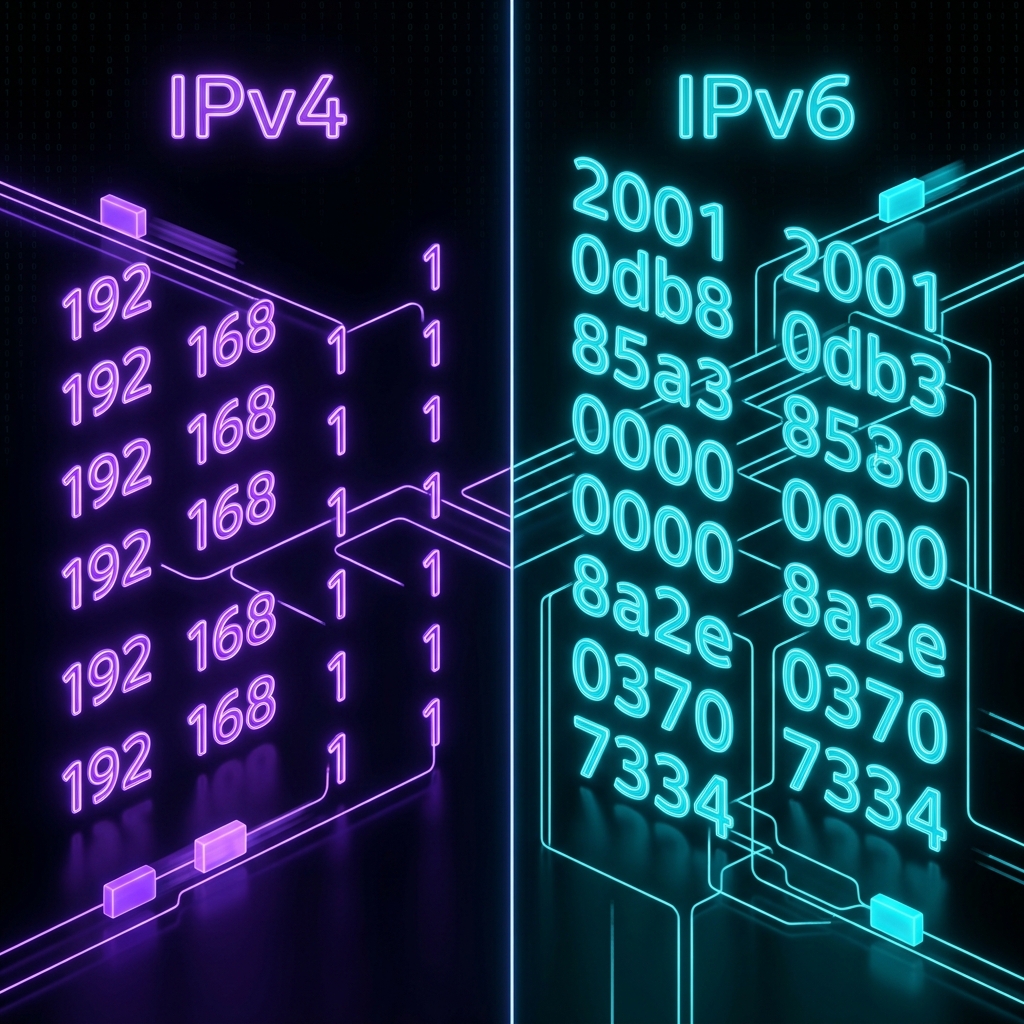
- There are over 4.3 billion IPv4 addresses globally, but we've already run out!
- IPv6 introduced 340 undecillion new addresses to fix the shortage.
- Over 60% of web traffic today is routed using IP addresses assigned to mobile devices.
The Primary Functions of an IP Address
An IP address serves two main functions in networking architecture:
- Host or Network Interface Identification: It names the device on the network so other machines can identify it.
- Location Addressing: It provides the routing path to find the device globally or locally across routers.
The Anatomy of an IP Address
A standard IPv4 address consists of four sets of numbers separated by periods (e.g., 192.168.1.1). Each set can range from 0 to 255. Let's break it down:
Hover over the numbers to see which part identifies the network and which part identifies the specific device.
How Does an IP Address Work?
When you send data—such as requesting a webpage or sending an email—the data is broken down into small chunks called packets. Each packet contains the sender's IP address and the recipient's IP address. Routers across the internet read these addresses to forward the packets to the correct destination, where they are reassembled into the final page or file. It's an incredibly fast and efficient process that happens millions of times a second without you even noticing.
Types of IP Addresses
IP addresses are categorized depending on their usage scope and allocation permanence:
- Public vs Private IP Addresses: Public IPs are visible to the entire internet, while private IPs are used internally inside local networks.
- Static vs Dynamic IP Addresses: Static IPs are permanent and unchanging, whereas dynamic IPs are temporary and change periodically.
Quick Poll
How often do you check your IP address?
Related Articles