Public vs Private IP Addresses: What's the Difference?
Every time you connect a smartphone, laptop, or smart TV to your home Wi-Fi, that device receives an IP address. However, it actually relies on two completely different IP addresses to function on the internet: a Public IP Address and a Private IP Address. Understanding the difference between these two is the foundation of modern networking, home security, and troubleshooting.
What is a Public IP Address?
A Public IP address is the unique numerical identifier assigned to your entire home or office network by your Internet Service Provider (ISP) — such as Comcast, AT&T, or Virgin Media.
This address is globally unique. There is no other network on the planet that has your exact Public IP address at the same time. Think of it like your home's physical street address; for the postal service to deliver mail to you, your house needs a unique address that anyone in the world can write on an envelope.
- Visibility: Visible to the entire internet (websites, servers, other networks).
- Assigned by: Your Internet Service Provider (ISP).
- Uniqueness: Globally unique.
- Function: Allows you to connect to the external web and allows external servers to send data back to you.
What is a Private IP Address?
A Private IP address (also known as a Local IP) is the address assigned to a specific device inside your home network. If you ask yourself what is my ip address private or What is my IP address WiFi, you are referring to this local identifier. When you connect your phone to your Wi-Fi, your wireless router assigns it a private IP. You can find detailed steps in our guide on what is my ip address private on my phone iphone.
These addresses are only unique within your own network. It is entirely possible (and very common) that your laptop's private IP is 192.168.1.10, and your neighbor's laptop also has the private IP 192.168.1.10 on their own router. Since these networks are closed loops managed by their respective routers, the addresses do not conflict.
- Visibility: Hidden from the internet. Only visible to other devices on the same Wi-Fi or LAN.
- Assigned by: Your Wi-Fi Router (via a protocol called DHCP).
- Uniqueness: Only unique locally.
- Function: Allows your phone to talk to your smart TV or wireless printer.
Why Do We Need Both? (The NAT Solution)
You might be wondering: "Why doesn't every device just get its own Public IP address?" The answer lies in the limitations of IPv4.
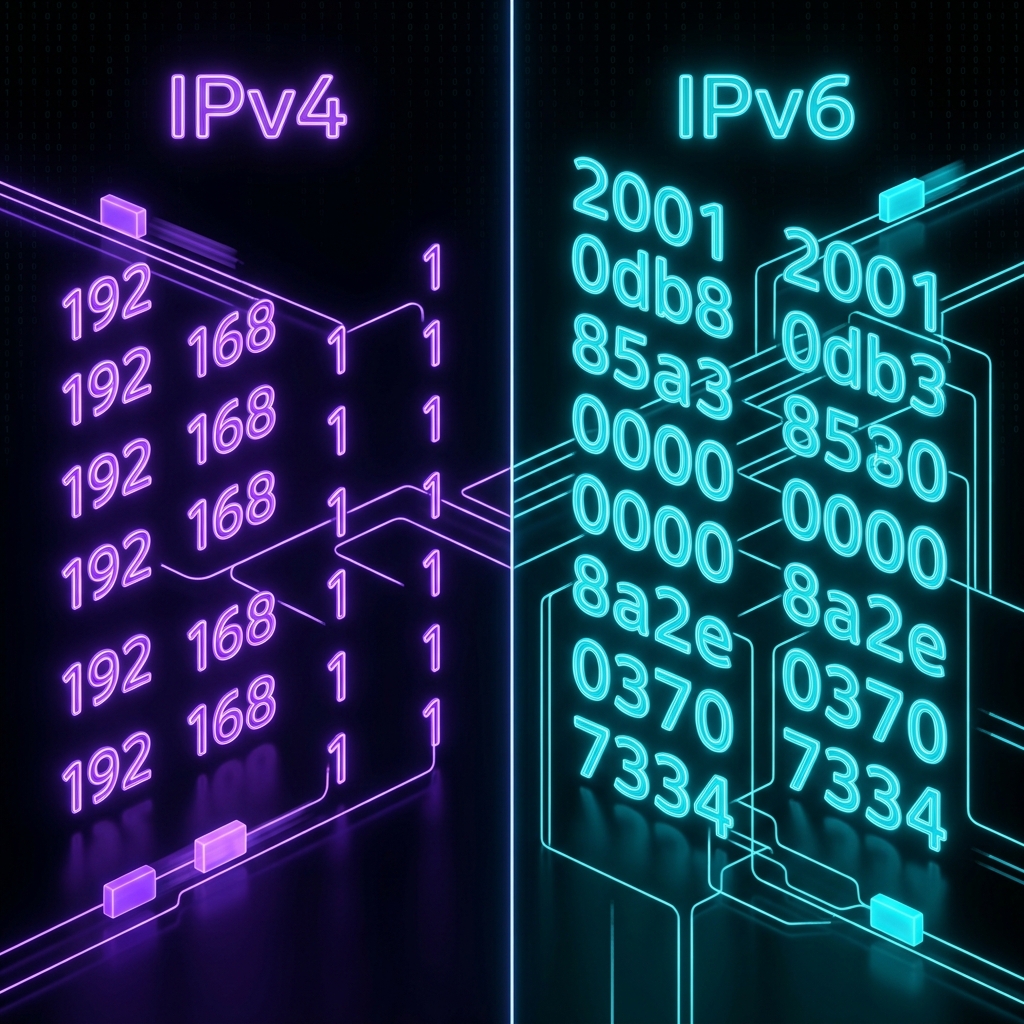
IPv4 only has roughly 4.3 billion available addresses. We surpassed 4.3 billion internet-connected devices many years ago. If every single smartphone, tablet, and smart lightbulb required its own Public IP, the internet would have run out of addresses in the early 2000s.
To solve this, engineers created a brilliant workaround called NAT (Network Address Translation). Here's how NAT saves the internet daily:
- Your ISP gives you exactly one Public IP address for your whole house.
- Your Router takes that Public IP and faces the internet.
- On the inside of your house, the Router creates a private network and hands out Private IP addresses to all your 50+ devices.
- When your phone requests a YouTube video, the request goes to the Router.
- The Router translates that private request into a public request, uses its single Public IP to fetch the video from YouTube, and then perfectly routes the video data back to your phone's Private IP.
Private IP Ranges
The Internet Assigned Numbers Authority (IANA) reserved three specific blocks of IP addresses exclusively for private networks. Which of these is a famous private IP block?
Summary Comparison Table
| Feature | Public IP Address | Private IP Address |
|---|---|---|
| Scope | Global (The entire Internet) | Local (Your house or office) |
| Assigned By | Internet Service Provider (ISP) | Your Network Router (via DHCP) |
| Uniqueness | Strictly Unique globally | Only unique on the local network |
| Visibility | Visible to websites you visit | Hidden securely behind the router |
| Cost | Usually costs money (included in ISP bill) | Completely Free |
Frequently Asked Questions
Can someone hack me with my Private IP?
No. A hacker on the internet cannot do anything with your private IP (like 192.168.1.15) because that address is not routable on the public internet. However, if a hacker is sitting in your living room connected to your Wi-Fi, then they can use your private IP to access your device.
Does a VPN hide my Public or Private IP?
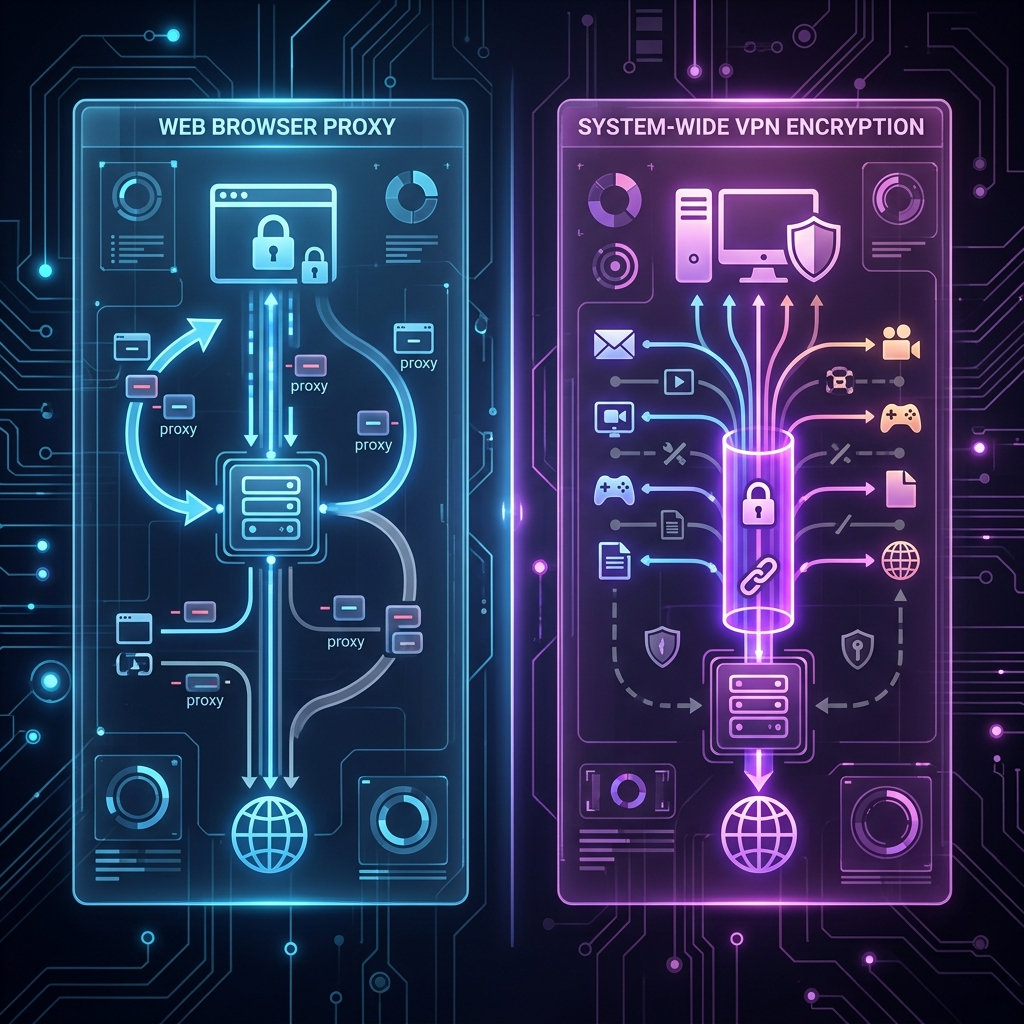
A VPN hides your Public IP Address. When you use a VPN, websites see the Public IP of the VPN server instead of the Public IP assigned by your ISP. Your Private IP remains the same so you can still talk to your router.
How do I find my Public and Private IPs?
You can check whats my ip location right now instantly using our homepage. If you are looking for What is my IP address WiFi or need steps to determine what is my ip address private on my phone iphone, read our full step-by-step tutorial.
Related Articles